
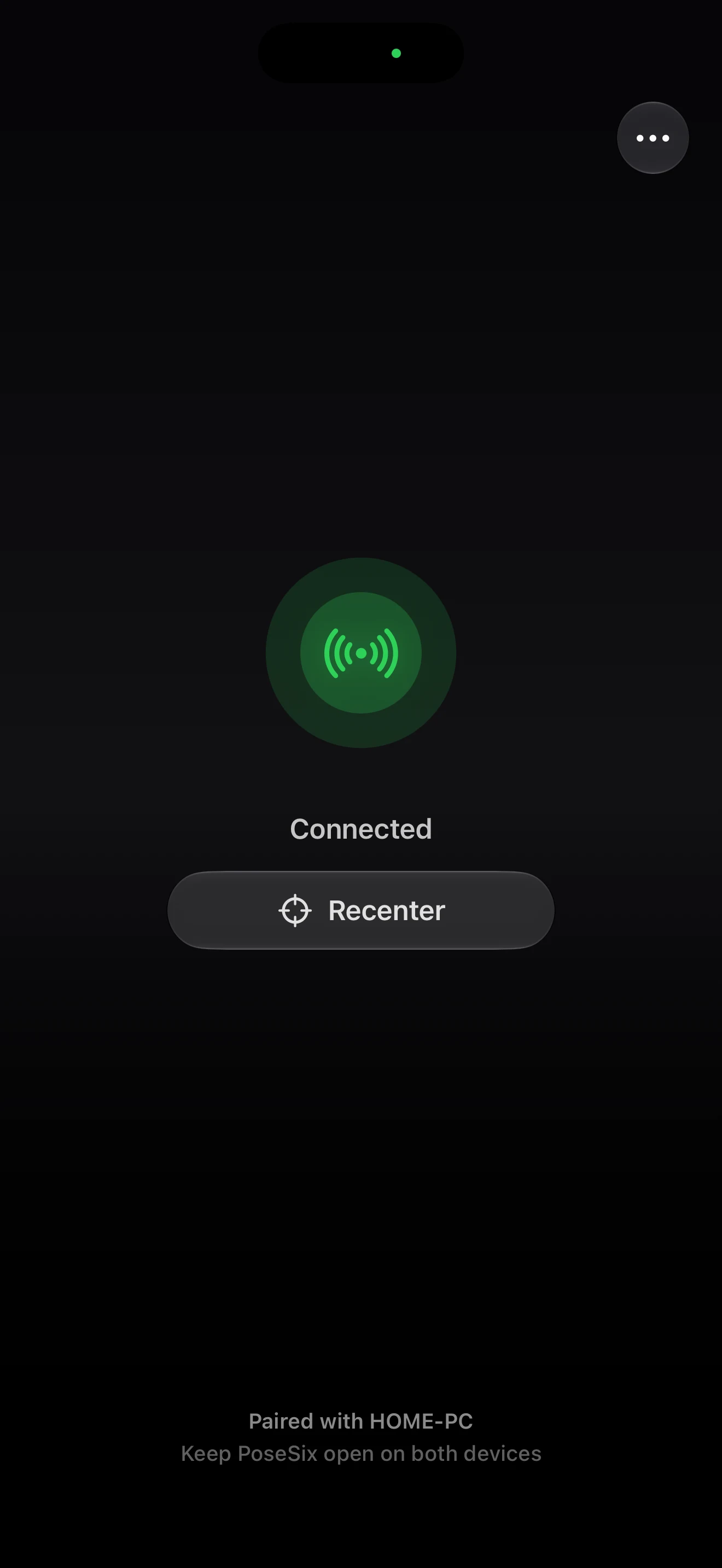
PoseSix on iPhone
Uses your iPhone’s built-in face tracking while the app is open. PoseSix receives head movement data—not camera images.
Requires an iPhone with Face ID running iOS 18 or later.
How it works
Keep both apps open and on the same network while you play.
Uses your iPhone’s built-in face tracking while the app is open. PoseSix receives head movement data—not camera images.
Requires an iPhone with Face ID running iOS 18 or later.
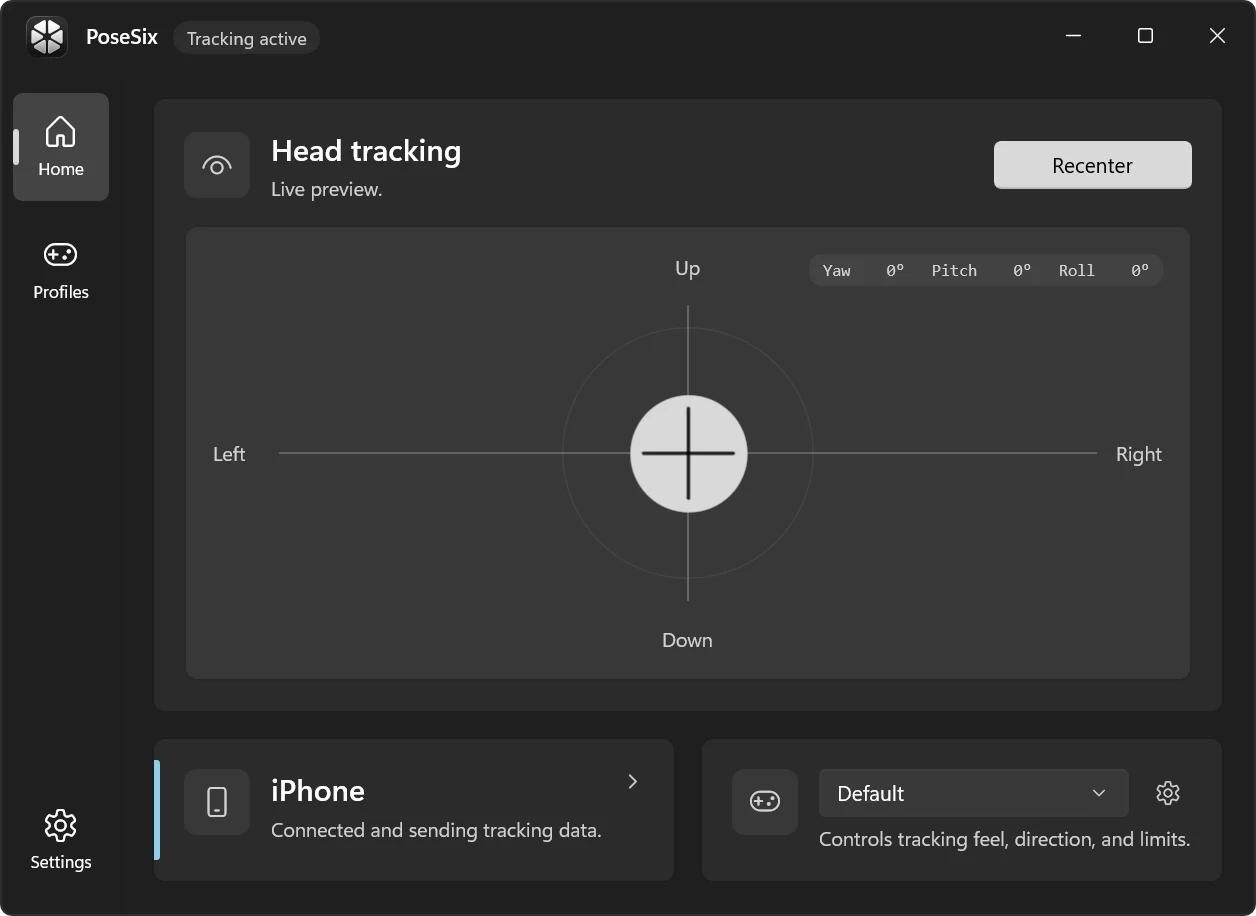
Connects your head movement to compatible games and lets you adjust how the head tracking feels.
Requires a PC running Windows 10 or Windows 11.
Setup
Make sure your iPhone and PC are connected to the same network.
Open the Windows app to display its pairing QR code, then scan it with the PoseSix app on your iPhone.
Place your iPhone in front of you, keep both apps open, tap Recenter, and launch your game.
Local by design
PoseSix on iPhone receives head movement data from iOS and sends it only to your paired PC. It does not record your face or send camera images anywhere.
Read the privacy policy